
TV has sound but no picture
The most common call we take, and the two-minute torch test that narrows it down.
Read more →Home/Blog/TV repairs in Johannesburg

Televisions fail in fairly predictable ways, and after enough call-outs across Johannesburg you start to notice that a short list of faults accounts for most of the phone calls. This article runs through those, what each one usually means, and — the part people actually want — how to tell whether the person you are about to hand your television to knows what they are doing.
Some of what follows is specific to how we live here. Not because televisions in Sandton are built differently from televisions anywhere else, but because power behaves differently here, storms behave differently here, and both leave marks on domestic electronics.
This is the single most useful thing we can tell a Johannesburg household about looking after a television, and it runs against the intuition.
Losing power does not damage electronics. Getting it back sometimes does. When supply is restored, voltage does not always return cleanly, and it is that moment — repeated, over months — that puts strain on the power supply components inside a television. A set that has been through many cycles of off-and-back-on has had a harder life than its age suggests.
We are not going to attach a statistic to that, because we do not have one worth quoting and inventing one would be worse than saying nothing. What we can say is that power supply work is a large and steady part of what we do, and that the pattern is familiar to technicians across the province.
The practical advice is unglamorous: switch the television off at the wall during an outage rather than leaving it in standby waiting for the return, and use a decent surge protector rather than a cheap multiplug. Neither is a guarantee, but both shift the odds.
The most common single fault we are called out for: a television with working sound and no picture. Usually the LED backlight behind the panel, or the circuit that drives it.
There is a two-minute test that tells you a great deal before you phone anyone. In a dark room, with the set switched on, shine a torch across the screen at an angle. If a faint image appears, the panel is working and only the backlight has failed — which is generally good news and a repairable fault. We have written the full version of that up in my TV has sound but no picture, including what each variation of the symptom means.
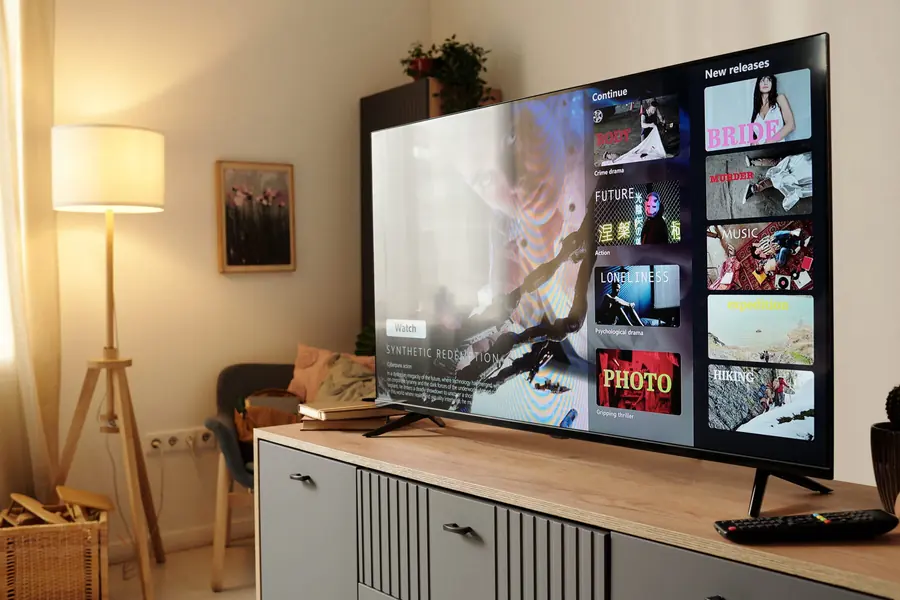
Second on the list, and closely related to the power section above. A television that shows no signs of life at all is most often a power supply board fault — one of the more economical repairs a set can need, because it does not involve the panel.
Before calling anyone, try a full reset: unplug at the wall, wait two to three minutes so the internal capacitors discharge, hold the power button on the set itself for twenty seconds, then plug back in. It resolves a genuine proportion of cases at no cost. Our guide to a TV that will not turn on works through nine causes in order, and explains what the standby light is telling you.
Vertical or horizontal lines, dark clouding in the corners, a picture that pulses, half a screen working. These are display-side faults — usually the T-Con board, individual backlight chains, or in the less happy cases the panel itself.
The distinction that matters is whether the pattern changes when the image changes. Lines that stay fixed in the same place regardless of what is on screen point one way; patches that move with the content point another. Worth noticing before you call. Our TV picture repairs page covers each symptom.
A surprising share of "my TV is broken" calls turn out to be one dead HDMI port, a failed cable, or a decoder rather than the television. The test is simple: if the set's own menu appears normally but one input is black, the display is fine.
Ports fail mechanically more often than electrically — usually from a knock to a cable that is plugged in, or from the weight of a stiff cable pulling on the socket over time. It is a contained repair. See HDMI port repairs.
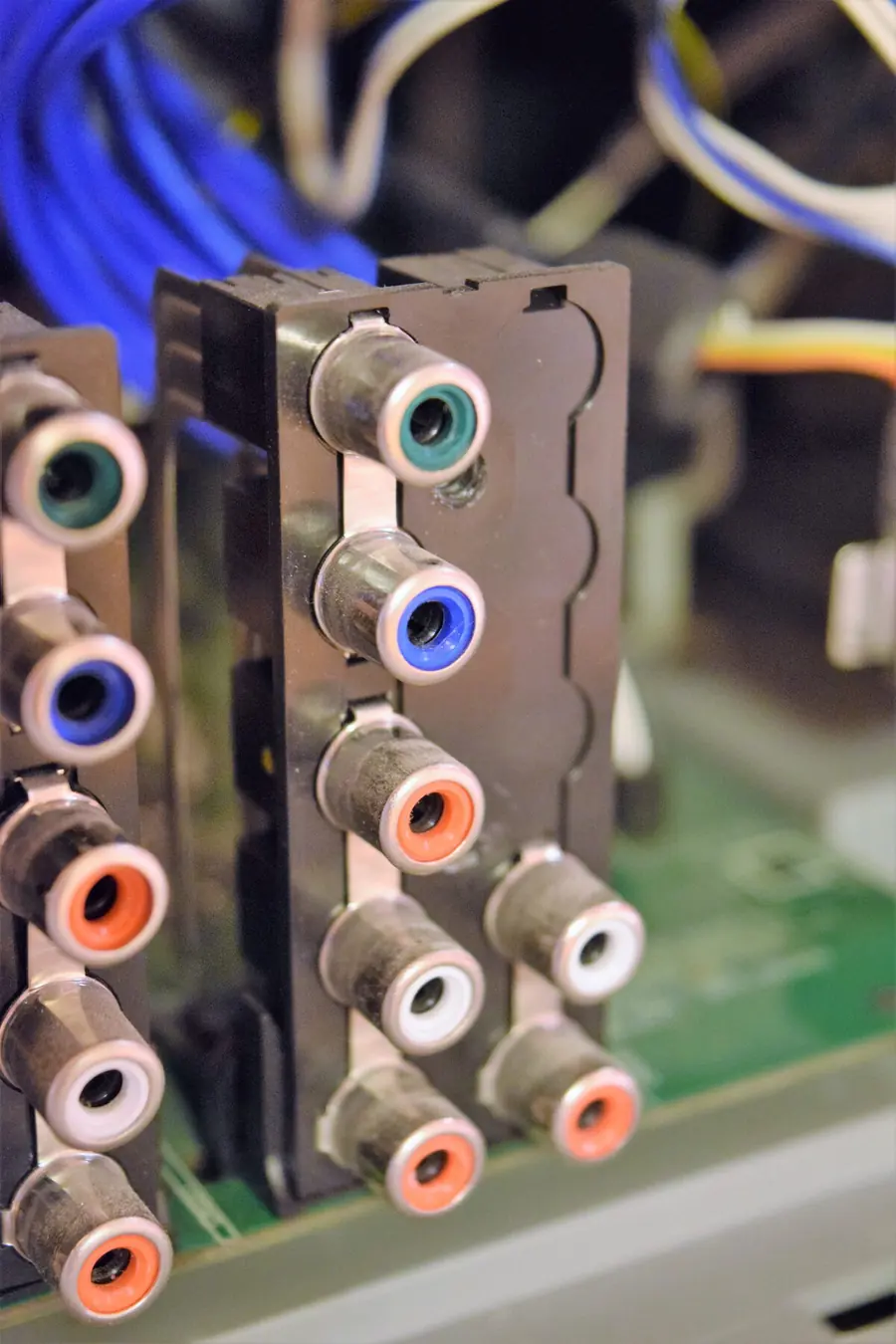
These have grown steadily as a share of our work, and they are the faults least likely to need a soldering iron. Apps that will not load, a set that drops off the network, an update that half-installed, a remote that no longer pairs.
Many are resolvable without parts. Some are genuinely network problems rather than television problems — a router at the far end of a face-brick house is a common culprit, and no amount of work on the television will fix it. We would rather tell you that than charge you for a repair. See smart TV Wi-Fi and connectivity repairs and software and firmware repairs.
Worth separating out, because it saves people money. Pixelation, freezing, a "no signal" message or an error code on screen is almost always the satellite side of the system rather than the television.
The usual suspects are a dish that has shifted, a failing LNB, water ingress in a connector, or a decoder fault. A television being blamed for a dish problem is one of the more common misdiagnoses we correct on arrival. Our DStv signal problems page covers error codes and no-signal messages, and DStv repairs covers decoder faults.
Highveld storms are severe, and a strike does not need to hit your property to reach your equipment. Surges arrive through the mains and also through the aerial or satellite cable — a route most people never think to protect, and one that bypasses the surge plug on your wall entirely.
Damage ranges from a single failed component to several boards at once, which is exactly why honest diagnosis matters most here. Repairing a power supply is pointless if the mainboard went with it, and a technician who tells you that before taking the job is one worth keeping. If a decoder was connected at the time, have it checked too — surge damage often lands on one device and spares the other.
You do not need technical knowledge to tell a competent operation from a chancer. You need to ask six things and listen to how they are answered.
What does the diagnosis cost, and does it come off the repair? A clear answer here predicts clarity everywhere else.
Will I get a written quote before work starts? You should be able to decline after diagnosis without pressure.
What warranty is there on the workmanship? Any real business stands behind its own labour for a defined period.
Are parts new, and is the board being repaired or replaced? Both are legitimate; you are entitled to know which you are paying for.
What is the realistic turnaround? Honest answers depend on parts availability and will sound less certain than dishonest ones.
Will you tell me if it is not worth repairing? The answer to this separates repair businesses from parts salesmen. A technician who has never talked a customer out of a repair is not being straight with them.
Two warning signs worth naming. A firm price quoted over the phone before anyone has seen the set is either padded or fictional. And any business without a traceable identity — a real address, a company name, a way to reach them afterwards — is a poor bet with an expensive item. We go through this in more depth in how to hire the right TV technician.

For most household faults we work in your home, and for large sets that is genuinely the better option rather than a marketing line.
A 55 or 65-inch panel is fragile and awkward, and every journey it makes in a vehicle is a chance to crack it. Diagnosis on site also means you see what is being done and can ask questions in real time. Some repairs do need a bench — component-level board work in particular — and in those cases the set travels, properly packed and with the reason explained first.
We cover Johannesburg and the surrounding areas, including the East Rand, Kempton Park, Germiston, Alberton, Benoni, Randburg, Roodepoort, Midrand, Sandton and out to Pretoria. The full list is on our service areas page, and the Johannesburg detail sits on TV repairs in Johannesburg.
Brand, screen size, and exactly what the set is doing — a short video beats a long description every time. We will tell you what it typically turns out to be, and whether it is worth looking at, before anyone travels.
Request a quote WhatsApp 068 348 0078The most common call we take, and the two-minute torch test that narrows it down.
Read more →Read the standby light, and the free checks worth doing before phoning anyone.
Read more →Why the same phrase covers five different jobs, and how to judge a quote.
Read more →Yes — most household faults are diagnosed and repaired on site, which avoids the transit risk that comes with moving a large panel. Some component-level board work needs a bench, and in those cases we explain why before the set travels.
Backlight and power supply faults, in that order. Both are display-side or power-side problems that leave the panel intact, which is why both are usually worth repairing.
The interruption itself is not the stressful part — the restoration is. Voltage does not always come back cleanly, and repeated cycles strain power supply components. Switching off at the wall during an outage is a sensible habit.
Almost certainly not. Pixelation, freezing and no-signal messages point at the dish, LNB, cabling or decoder rather than the television. Worth having the satellite side checked before anyone touches the set.
Ask what the diagnosis costs, whether you get a written quote before work starts, what warranty covers the workmanship, and whether they will tell you if the repair is not worth doing. Clear answers to all four is a good sign.
Johannesburg and the surrounding areas including the East Rand, Kempton Park, Germiston, Alberton, Benoni, Randburg, Roodepoort, Midrand and Sandton, extending to Pretoria. The full list is on our service areas page.