
Lines, shadows and dark patches
If your screen is not fully black but the picture is wrong — banding, clouding, half an image — this covers those symptoms specifically.
Read more →Home/Blog/TV has sound but no picture
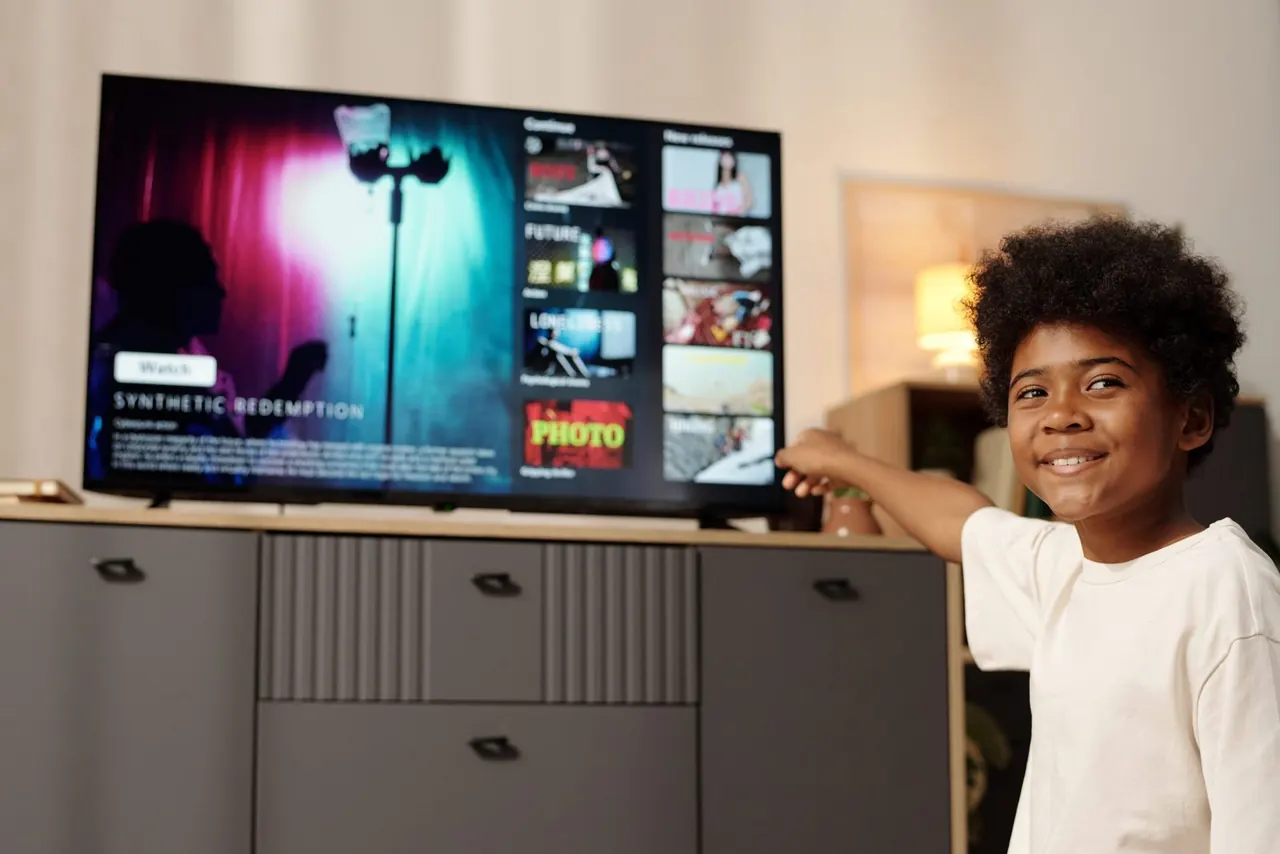
It is one of the strangest things a television can do. You press the power button, the standby light changes, you hear the channel jingle or the click of the menu, maybe even the adverts playing away happily — and the screen stays black. Everything about the set says it is working. The screen says it is dead.
The good news, and we say this to people on the phone almost daily, is that a television with sound but no picture is usually not a write-off. In fact it is often one of the more encouraging faults to hear described, because the sound is doing something useful: it is telling us that a large part of the television is alive and working properly.
This article explains what that fault means, how to narrow it down yourself in about two minutes without opening anything, and what each of the likely causes means for cost and repairability. It applies whether you have a Samsung, an LG, a Hisense, a TCL, a Skyworth or anything else — the underlying architecture is much the same across brands.
Inside a modern television, sound and picture travel down two largely separate roads after a certain point. The signal arrives — from your aerial, your decoder, an HDMI cable, or a streaming app — and the mainboard decodes it. From there the audio is sent off to the amplifier and the speakers, while the video is sent along a ribbon cable to the panel and its own set of driver electronics.
So when you can hear the programme but cannot see it, the sound has already proved several things for you: the set has mains power, the standby circuit works, the mainboard is booting, the tuner or HDMI input is decoding the source correctly, and the audio path is intact. That is a great deal of a television confirmed as healthy before a technician has even opened the back.
What remains unproven is the part of the set that turns that decoded video into visible light. On the overwhelming majority of televisions sold in South Africa — LED-backlit LCD sets, which includes almost everything marketed as "LED" or "QLED" — that means one of four things: the backlight that illuminates the panel, the power rail that drives that backlight, the timing board that tells the panel what to display, or the panel itself.
The short version: sound but no picture almost always points at the display side of the television, not the brain of it. That is generally a cheaper conversation than the alternative.
This is the single most useful thing you can do before phoning anybody, and it costs nothing. It also gives a technician a genuinely valuable piece of information over the phone.
Switch the television on and leave it on a bright source — a menu screen or a normal channel is ideal, not a dark film. Turn off the lights in the room, or do it after dark. Then take a torch, or your phone's torch, and hold it close to the screen at an angle, roughly the way you would shine a light across a table rather than straight down onto it. Move it slowly across the glass and look carefully.
If a ghostly version of the menu or the picture appears where your torch is shining — you can make out shapes, maybe text, but there is no light of its own — then the panel is receiving and displaying the image correctly. It simply has no illumination behind it. That is a backlight problem, and it is one of the more commonly repairable faults we deal with.
If there is nothing at all under torchlight, no shadow of a menu, no hint of anything, then the panel is not being driven with an image. That points further up the chain — the timing control board, the video output of the mainboard, the ribbon connections, or the panel itself. Still often repairable, but the diagnosis matters more.
One caveat worth knowing: this test is far less reliable on a very bright day, on a highly reflective screen, or if the television is showing a genuinely dark scene. Give it a fair go in a dim room before you conclude anything.
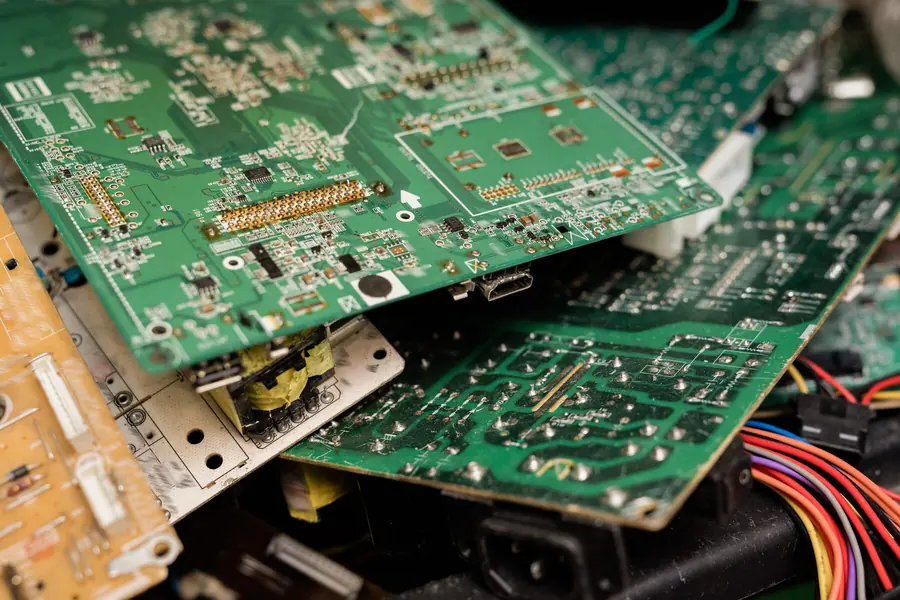
Behind the panel of an LED television sits a set of strips holding dozens of small LEDs. They are wired in series, in chains. When one LED in a chain fails open, the entire chain goes dark — and on many designs the protection circuit then shuts the whole backlight down rather than run it unevenly. So a single failed component the size of a grain of rice can black out a 65-inch television while the sound carries on as though nothing has happened.
Heat is the usual culprit over time, which is why sets that live in warm, enclosed cabinets or in direct afternoon sun tend to get there sooner. This is a physical repair: the panel is separated, the failed strips are replaced, and the set is reassembled. It requires care — panels crack easily — but it is routine work.
Sometimes the LEDs themselves are perfectly fine and the circuit that drives them is not. The backlight typically runs off a much higher voltage rail than the logic side of the television, and that rail can fail on its own. The giveaway is often a set that shows a picture for a fraction of a second on power-up and then goes black, because the protection circuit detects a fault and shuts the rail down.
If your television briefly flashes an image and then blacks out, mention that specifically when you call — it is a meaningful clue. This kind of fault sits in the same territory as our TV power supply repairs, and is often component-level work rather than a whole-board swap.
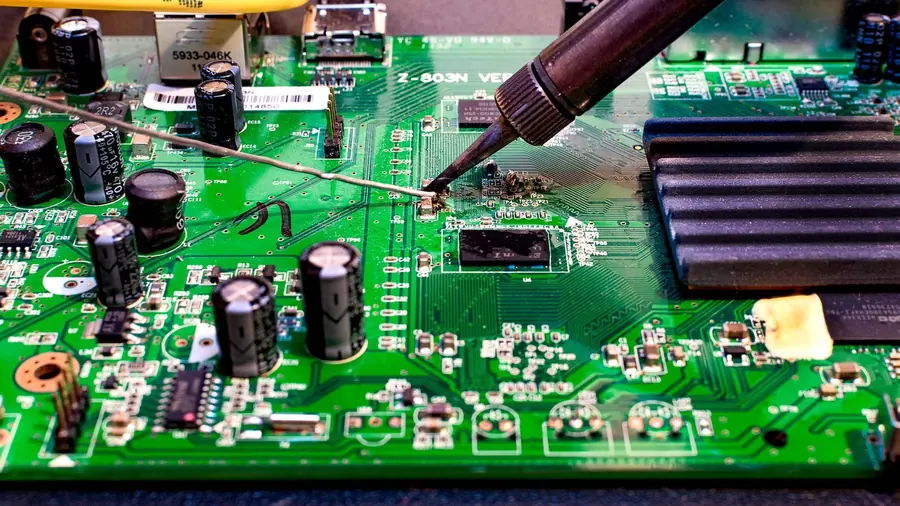
The T-Con board sits between the mainboard and the panel and translates the video signal into the precise timing instructions the panel needs. When it fails you can get a completely blank screen even with a perfectly good backlight, or you can get half a picture, vertical bands, a negative-looking image, or a screen that is white and washed out. It is a small board and, when the fault is on the board rather than in the panel, replacing or repairing it is usually straightforward.
Less common, but it happens: the mainboard decodes audio correctly and sends it to the speakers, while the video section fails to output. Because so much else on the board is clearly working, this one is easy to misdiagnose without proper testing. Board-level work of this kind falls under TV motherboard and mainboard repairs.
The panel connects to the driver electronics through delicate ribbon cables. Vibration, a knock in transit, heat cycling, or moisture can all disturb them. This is the cheapest possible cause and always worth ruling out early — occasionally a television that looks dead is simply a connection that has worked loose.
This is the one nobody wants. If the panel has genuinely failed — internally, not just cracked — then you are looking at replacing the most expensive single part in the television. We will be honest with you when we find this, because in most cases it is not worth doing. More on that below.
Occasionally a smart television will get itself into a state after a failed or interrupted update where it boots, plays sound, and never brings up the display layer. It is not common, but it is worth knowing about because the fix costs nothing in parts. If your set went black immediately after an update, say so.
"No picture" covers several genuinely different faults, and the distinction matters. Here is roughly how we interpret each one before we have the set in front of us.
| What you see | Most likely area | Usually repairable? |
|---|---|---|
| Completely black, nothing under torchlight | T-Con, mainboard video, ribbon connections, panel | Often, depending which |
| Faint image visible under torchlight | Backlight strips or backlight driver | Usually yes |
| Picture appears for a second, then black | Backlight rail shutting down on protection | Usually yes |
| Half the screen works, half is black | T-Con, a failed LED chain, or panel | Sometimes |
| Vertical or horizontal lines across the image | T-Con or panel driver ICs | Depends on the source |
| Flickering or pulsing brightness | Backlight driver or failing LEDs | Usually yes |
| Dark patches or clouding in corners | Individual LED chains failing | Usually yes |
| Visible crack, spider-web or ink-like spread | Physical panel damage | Almost never economical |
If your fault is more about lines, shadows and dark patches than a completely black screen, our TV picture repairs page goes into those specific symptoms in more depth.
It matters more than most people expect, and it changes the diagnosis meaningfully.
LED and LCD televisions — the great majority of sets in South African homes — use a liquid crystal panel lit from behind by LED strips. Everything described above applies. The torch test works because the panel is still forming an image, it just has no light behind it. See LED TV repairs and LCD TV repairs.
QLED televisions are LED-backlit LCD sets with an additional quantum-dot layer that improves colour. Structurally, for fault-finding purposes, they behave like LED sets: they have a backlight, and that backlight can fail. The torch test applies. See QLED TV repairs.
OLED televisions are the exception, and it is an important one. Every pixel generates its own light, so there is no backlight to fail. If an OLED has sound and no picture, "the backlight has gone" is not a possible answer — the torch test will show you nothing useful either. The cause lies with the panel's own driver electronics, the T-Con, or the panel itself, and OLED panel faults are generally expensive. Our OLED TV repairs page covers what is and is not worth doing on these sets.
We would rather you checked these first and saved yourself a call-out.
Wrong input. Obvious, but it catches everyone eventually, particularly on sets with four or five HDMI ports. Cycle through every input with the source button and watch for the input labels appearing on screen. If you can see the input menu, your display is working perfectly and the problem is the source.
The decoder or source device. If the television's own menu appears normally but a specific input is black, the fault may be the decoder, the streaming stick or the cable, not the TV. Swap the HDMI cable and try a different port. If it is your DStv decoder specifically producing a black screen or no signal, that is a different diagnosis entirely — our DStv signal problems page covers error codes and no-signal messages, and DStv repairs covers decoder faults.
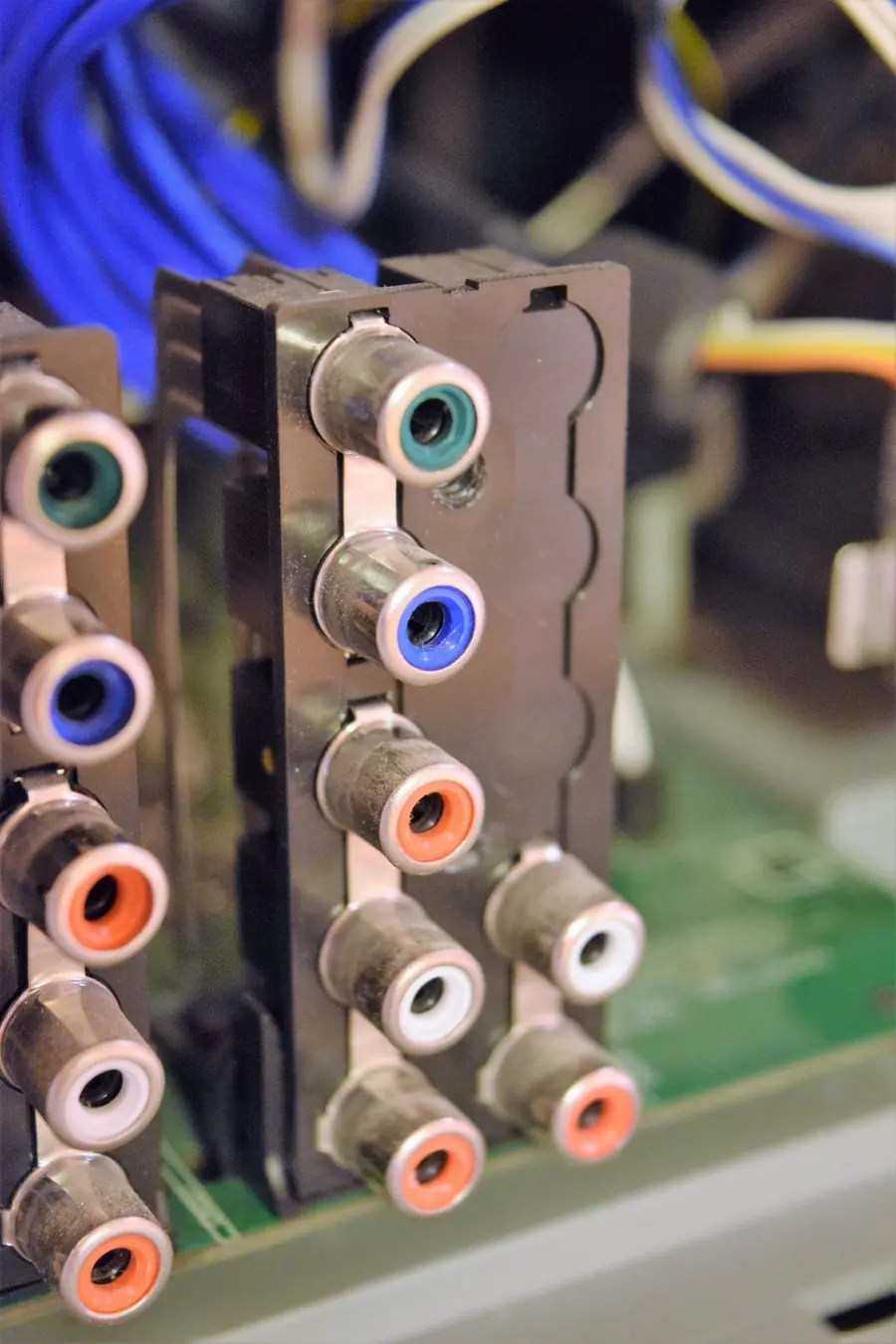
A dead HDMI port. Ports do fail, often from a knock to a plugged-in cable. If one input is dead and the others are fine, see HDMI port repairs.
Backlight or brightness turned to zero. Rare, but a child with a remote or an eco mode set aggressively can produce a screen so dim it looks black. Worth thirty seconds in the picture menu.
There is a particular way this fault goes wrong for people, and it is worth describing plainly. Somebody searches the symptom, reads that it is probably the backlight, orders LED strips online for their model, waits two weeks, fits them — and the television is still black, because the actual fault was the driver circuit that killed the original LEDs in the first place. Now they have spent money on parts they did not need and the original fault is still there.
The reverse also happens. A board gets replaced on the assumption that the panel is fine, and the panel turns out to be the problem, in which case the money is simply gone.
The point of a proper diagnosis is not ceremony. It is that these faults look identical from the outside and can only be separated by measurement — checking whether the backlight rail is present and at the right voltage, whether the panel is drawing current, whether the T-Con is receiving and passing signal. That is what TV diagnostics and fault finding is for, and it is why we will not quote a repair price over the phone from a description alone.
This is the question underneath the question, so let us deal with it honestly. There are televisions we will tell you not to repair, and we would rather say so on the first phone call than after you have paid for a diagnosis.
A three-year-old television with a backlight fault is almost always worth repairing. A twelve-year-old set with a panel fault almost never is. Between those two extremes it depends on the specific fault and what the set cost originally.
Size drives both sides of the equation. A larger panel costs more to repair and more to replace, but the repair cost tends not to scale as steeply as the replacement cost — which is why big-screen repairs are often the most worthwhile ones. A small budget set is the opposite: the repair can approach the price of simply buying another one.
Backlight strips, power supply boards, T-Con boards and mainboards are all replaceable components with sensible costs attached. Panels are not, in any practical sense. The single biggest factor in repair-versus-replace is which side of that line your fault falls on.
Some brands and models are well supported in South Africa and parts arrive quickly. Others, particularly grey imports and discontinued models, can be difficult or slow to source. A repair that requires a part which takes six weeks to land is a different proposition from one that can be done this week.
Check before you do anything else. If the set is still under manufacturer warranty, go to the manufacturer — and be aware that opening the television yourself will generally end that warranty immediately.
If a set has already had two repairs, has a marked panel, or has been through a lightning event that may have stressed other components, the calculation changes. We would rather tell you a television is near the end of its life than take money for a repair that buys you four months.
The rule of thumb we actually use: if the repair costs meaningfully less than replacing the set with something equivalent, and the panel is sound, repair it. If the panel has failed or is cracked, or the repair approaches the price of a new television of the same size, replace it. Our TV repair cost guide explains what drives those numbers in more detail, and when it is better to replace than repair works through the honest cases where walking away is the right answer.
If your black screen came with an impact — something thrown, something knocked over, a fall from a wall bracket — the situation is different. A cracked or internally damaged panel cannot be repaired. There is no procedure that mends a broken liquid crystal panel; it can only be replaced, and a replacement panel is typically the single most expensive component in the television, often approaching or exceeding the cost of a new set of the same size once labour is included.
We are open about this because we would rather be useful than take the job: we do not repair cracked screens, and we explain exactly why on our broken screen repair page. If someone quotes you a suspiciously cheap "screen repair" on a cracked panel, ask precisely what they intend to replace.
Call once you have done the free checks — input cycling, a different HDMI cable and port, and the torch test — and the screen is still black. Those three take five minutes and either solve the problem or give a technician a real head start.
Please do not open the television. It is not that we want the work; it is that the power supply in a television holds a meaningful charge after it is unplugged, panels crack from very little pressure, and ribbon connectors are easy to damage and difficult to source. The risk of turning a repairable fault into an unrepairable one is genuinely high.
We work on site across Johannesburg and the wider province, which for a fault like this is usually the sensible route — the set stays in your home, and there is no risk of transit damage to a large panel. Details on on-site TV repairs, on TV repairs in Johannesburg, and on the areas we cover across Gauteng, from the East Rand through to Pretoria.
Tell us what you see — black screen, faint image under torchlight, or a picture that flashes and vanishes — and we will tell you what it usually means and what it is likely to involve. A short video of the fault is often worth more than a long description.
Request a quote WhatsApp 068 348 0078If your screen is not fully black but the picture is wrong — banding, clouding, half an image — this covers those symptoms specifically.
Read more →What drives the price of a backlight, board or panel repair in South Africa, and the jobs we will talk you out of.
Read more →The faults we see most often in South African homes, and what each one usually means for the set.
Read more →The honest cases where replacing the television is the better decision, and how to tell which side you are on.
Read more →Because the audio and video paths separate inside the television. Working sound confirms the set has power, the mainboard is running and the source is decoding correctly. The fault therefore sits on the display side — most commonly a failed LED backlight, the circuit that drives the backlight, the T-Con board, or the panel itself.
On most sets from roughly 40 inches upward, yes. Backlight repair involves replacing LED strips rather than the panel, so it avoids the single most expensive component in the television. On small, older or low-cost sets the economics are tighter and replacement sometimes makes better sense.
Do the torch test. In a dark room, shine a torch across the screen at an angle while the TV is on. If you can make out a faint image, the panel is working and the backlight is not — which is usually good news. If there is nothing at all, the fault is elsewhere.
No. A cracked panel can only be replaced, and a replacement panel plus labour usually costs close to or more than a new television of the same size. We do not take on cracked-screen repairs and will tell you so up front.
That is a classic backlight-protection symptom. The set powers up, the backlight rail starts, the circuit detects a fault such as an open LED chain, and shuts down to protect itself. Usually repairable. Mention this detail when you call — it narrows things considerably.
Backlight failure is a characteristic of LED-backlit LCD technology rather than of any one manufacturer, so it turns up across Samsung, LG, Hisense, TCL and every other brand using the same panel technology. What differs between brands is parts availability and how the boards are laid out.
It depends entirely on the fault and on whether the part is in stock locally. A diagnosis is quick; the repair itself depends on sourcing. We will give you a realistic timeframe once we know what has actually failed rather than an optimistic one up front.
We would strongly advise against it. Televisions store electrical charge after being unplugged, panels crack under very little pressure, and ribbon connectors are fragile and often model-specific. The common outcome is a repairable television becoming an unrepairable one.