
TV has sound but no picture
If you can hear anything at all when you press power, this is the article you actually want.
Read more →
A television that refuses to switch on feels final in a way that other faults do not. There is no picture to interpret, no sound to listen to, no error message to look up. Just a set that sits there doing nothing while you press the button harder, as though that has ever helped anything.
It is worth knowing that "dead" televisions are frequently not dead. Of the nine causes below, four cost nothing to rule out from your armchair, and several of the rest are among the cheaper repairs a set can need. Work through them in order — they are arranged roughly from the simplest and most common to the most involved — and by the end you will either have fixed it yourself or be able to describe the fault well enough that a technician can tell you something useful before travelling out.
Before anything else, look at the small LED on the front or underside of the set, usually near the bottom edge or the brand badge. It is the closest thing a television has to a pulse, and what it does tells you a surprising amount.
| Standby light | What it usually means | Where to look |
|---|---|---|
| No light at all | No power reaching the set, or the standby supply has failed | Socket, cable, power supply board |
| Steady light, nothing happens on the button | Standby supply is fine; the set is not completing its start-up | Mainboard or firmware |
| Light flickers or pulses when you press power | The set is trying to start and shutting itself down | Power supply or backlight protection |
| A repeating blink pattern or code | Many brands report faults this way | Count the blinks — it is a real diagnostic clue |
| Light changes colour on the button press | The set is receiving your command and responding | Display side, not power |
If your set produces a repeating blink pattern, count it and note it down. On several brands that sequence maps to a specific fault area, and it is the single most useful thing you can tell us on the phone.
It sounds too obvious to be worth writing down, and it is still one of the more common answers. Plug a lamp or a phone charger into the same socket and confirm it works. Check the wall switch. Check the plug is fully seated — South African three-prong plugs can sit half-in and look perfectly convincing.
Also check anything between the plug and the television. Multiplugs and surge adaptors fail more often than the televisions plugged into them, and a surge protector that has done its job once has often quietly stopped conducting altogether. If your set is behind a multiplug, plug it straight into the wall as a test.
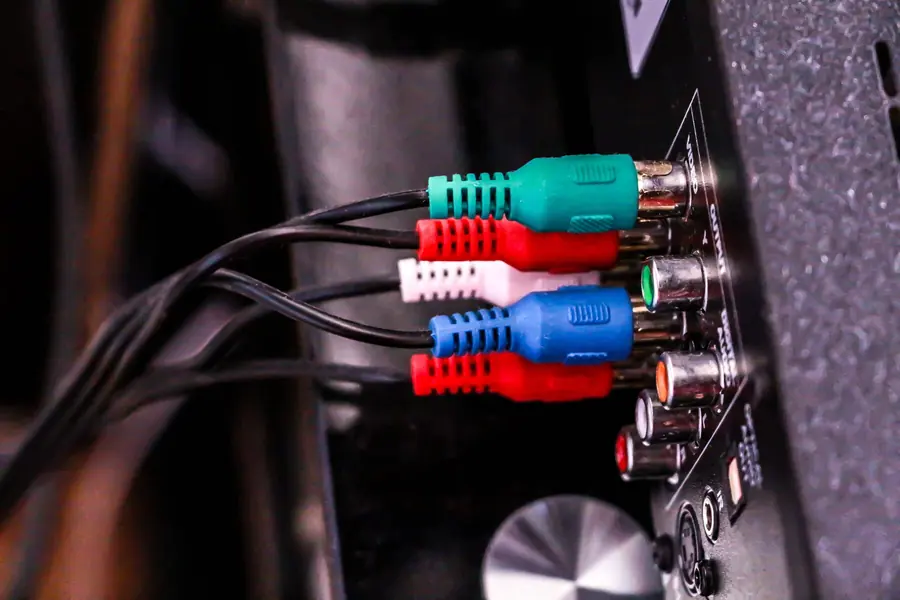
On many sets the mains lead is detachable, which makes this easy to test: borrow the identical lead from a desktop PC, a monitor or another appliance and try it. If the set comes to life, you have found it for the price of nothing.
Look along the cable for pinch damage where furniture sits on it, and check the point where it enters the plug and the set — that is where repeated flexing eventually breaks conductors inside the insulation. A cable can look perfect and still be open internally.
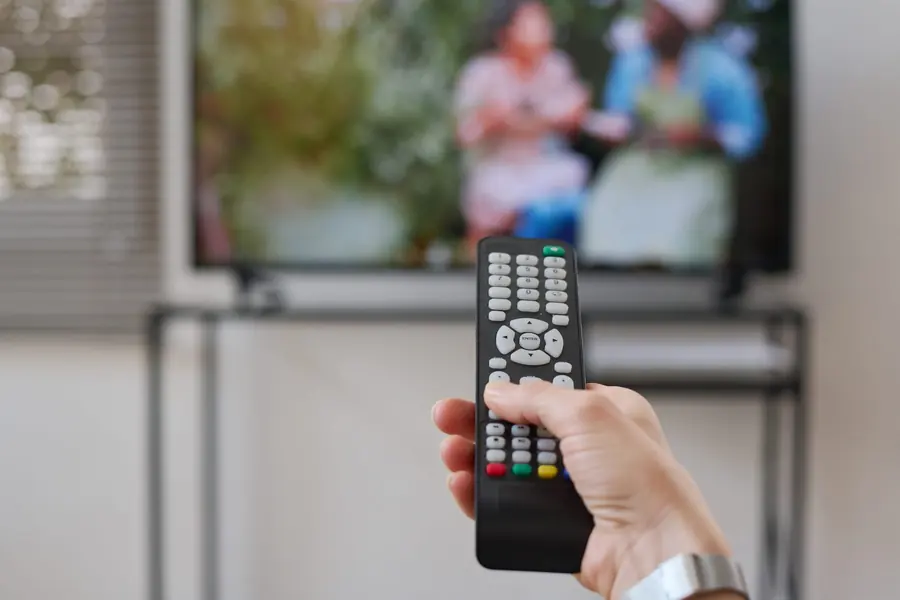
Plenty of "dead" televisions turn out to be perfectly healthy sets being asked politely by a remote that is no longer transmitting. Test it by pressing the power button on the television itself — usually on the underside, the rear edge, or behind the badge, sometimes as a small joystick rather than a row of buttons.
If the set responds to its own button, the television is fine and the remote is your problem. Fresh batteries first; if that fails, our TV remote setup, pairing and replacement page covers pairing issues on smart remotes, which behave differently from old infrared ones and can lose their connection entirely.
Modern televisions are computers, and like any computer they can hang. A set can end up in a state where it is drawing power, the standby light is on, and it will not complete a start-up no matter what you press.
The fix costs nothing and is worth trying before anything else on this list. Unplug the television at the wall. Leave it unplugged for a full two or three minutes — not ten seconds, because the point is to let the internal capacitors discharge and the boards reset properly. While it is unplugged, hold the power button on the set itself for about twenty seconds. Then plug it back in and try again.
This works more often than people expect. If your television has just come back from a power interruption and will not start, try this first. It costs nothing and resolves a genuine proportion of "dead" sets.
If the socket, cable and reset have all been ruled out, the power supply board is the most likely candidate — and the good news is that this is one of the more economical repairs a television can need.
The board's job is to take mains voltage and produce the several lower voltages the rest of the set needs. Certain components on it, particularly the electrolytic capacitors, degrade with heat and age. A common giveaway is a set that clicks softly when you press power, or one whose standby light flickers as though it is trying and failing.
In South Africa there is an additional consideration worth being straight about. It is not the loss of power that stresses electronics — it is the return. When supply is restored, the voltage does not always come back cleanly, and repeated cycles of that put more strain on a power supply board than years of ordinary use. We cannot put a number on how much of our workload that accounts for, and we are not going to invent one, but it is a pattern technicians in this country recognise. This is our bread and butter work: TV power supply repairs covers what the job involves.
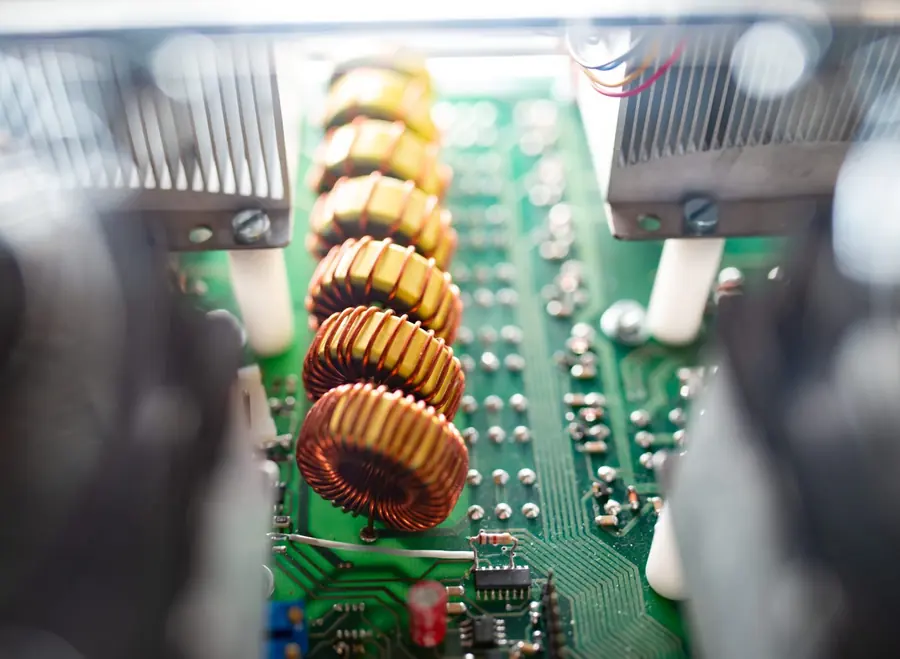
If the power supply is delivering correct voltages and the set still will not start, attention moves to the mainboard — the processor board that actually runs the television. A mainboard fault typically presents as a set with a healthy, steady standby light that simply never progresses past it. No logo, no start-up sound, nothing.
Mainboard faults are less common than power supply faults and generally more expensive, because the board carries the more costly components. They are still very often repairable at component level rather than requiring a whole new board, which matters a great deal for the final bill. See TV motherboard and mainboard repairs.
Highveld storms are not gentle, and a nearby strike does not need to hit your house to reach your equipment. Surges travel in through the mains, and also in through the aerial or satellite cable, which is a route people routinely forget to protect.
Suspect this if the set died during or shortly after a storm, particularly if other equipment on the same circuit was affected at the same time. Damage of this kind ranges from a single failed component to several boards, so honest diagnosis matters more here than anywhere else on this list — there is no point repairing a power supply if the mainboard went with it.
If a decoder was connected at the time, check that too. Surge damage frequently takes out the decoder and leaves the television untouched, or the reverse. Our DStv repairs page covers decoder faults.
Smart televisions update themselves, and occasionally an update is interrupted — by a power cut, by someone switching off at the wall, by a network drop at the wrong moment. The set can be left in a state where it powers on electrically but never boots far enough to show anything.
The signs are usually contextual rather than technical: the television was working perfectly, an update was in progress or had recently been prompted, and afterwards it would not start. Some models can be recovered through a manufacturer procedure. Our TV software and firmware repairs page explains what is recoverable and what is not.
This one deserves care, because it is often misread as "the TV won't turn on" when the television is actually starting perfectly well.
If the set has a fault in the backlight circuit, the protection system may shut it down almost immediately after start-up. What you observe is a television that seems not to switch on. What is actually happening is a television that switches on, detects a problem and turns itself off again in under a second.
The way to tell them apart is sound. Turn the volume up first, then press power and listen carefully. If you hear anything at all — a start-up chime, a faint hiss from the speakers, the click of a relay — the set is starting, and your fault is on the display side rather than the power side. That is a completely different diagnosis, and we have written it up in detail: my TV has sound but no picture.
Please do not open the back of the television to have a look.
This is not a case of protecting our trade. A television power supply contains capacitors that hold a substantial charge for a long time after the set is unplugged — long enough to give you a serious shock while the plug sits on the floor beside you. Beyond the safety issue, panels crack under very little pressure and ribbon connectors are fragile and often model-specific, so the common outcome of a curious look inside is a repairable television becoming an unrepairable one.
Two other things to avoid. Do not buy a replacement power supply board based on a guess — symptoms overlap heavily, and the board is frequently not the fault. And do not keep pressing the power button repeatedly on a set that is shutting down on protection; that protection exists to prevent further damage, and overriding it by persistence achieves nothing good.
Call once you have tried the free checks: a different socket, a different power cable, the button on the set itself, and a full unplugged reset of two to three minutes. Those four take about five minutes between them and resolve a meaningful share of cases outright.
When you do call, the useful things to mention are what the standby light is doing, whether you hear anything at all when you press power, whether the set died during a storm or a power interruption, and whether an update had recently run. Those four answers narrow the field considerably before anyone gets in a vehicle.
We work on site across Johannesburg, the East Rand and the wider province, which suits this fault particularly well — a set that will not switch on is diagnosed in your home rather than carried somewhere and back. See on-site TV repairs, TV repairs in Johannesburg, or the areas we cover.
That one detail, plus whether you hear anything when you press power, usually tells us which of these nine causes you are dealing with before we arrive.
Request a quote WhatsApp 068 348 0078If you can hear anything at all when you press power, this is the article you actually want.
Read more →What the most common cause on this list actually involves, and why it is usually worth doing.
Read more →The faults we see most often in South African homes, and what each one means.
Read more →A steady standby light means the standby power supply is working and the set is receiving mains. The fault is in what happens next — most often the main power supply rails, the mainboard, or a protection shutdown. Try a full unplugged reset of two to three minutes first, since a hung standby state produces exactly this symptom.
Usually, yes. The most common cause is the power supply board, which is one of the cheaper repairs a television can need and does not involve the panel — the expensive part. The calculation only changes if the fault turns out to be the panel or several boards after a surge.
A repeated soft click is usually the power supply attempting to start and shutting down on protection. It generally points at the power supply board or a fault downstream that the protection circuit is detecting. It is a helpful symptom to report.
The interruption itself is not the stressful part — the restoration is. Voltage does not always return cleanly, and repeated cycles put strain on power supply components. We see the pattern regularly, though we will not pretend to a precise figure for how much of our work it accounts for.
Diagnosis is quick. The repair depends on whether the components or board are available locally. We give a realistic timeframe once we know what has actually failed, rather than an optimistic one up front.
Usually worth a diagnosis, yes — but surge damage varies enormously, from one component to several boards. It is also worth having anything else connected at the time checked, particularly a decoder, since damage often lands on one device and not the other.