01
Firmware recovery
The standard fix for boot loops. No parts, no parts cost.
Home/TV repair services/Android TV repairs
Android TV repairs
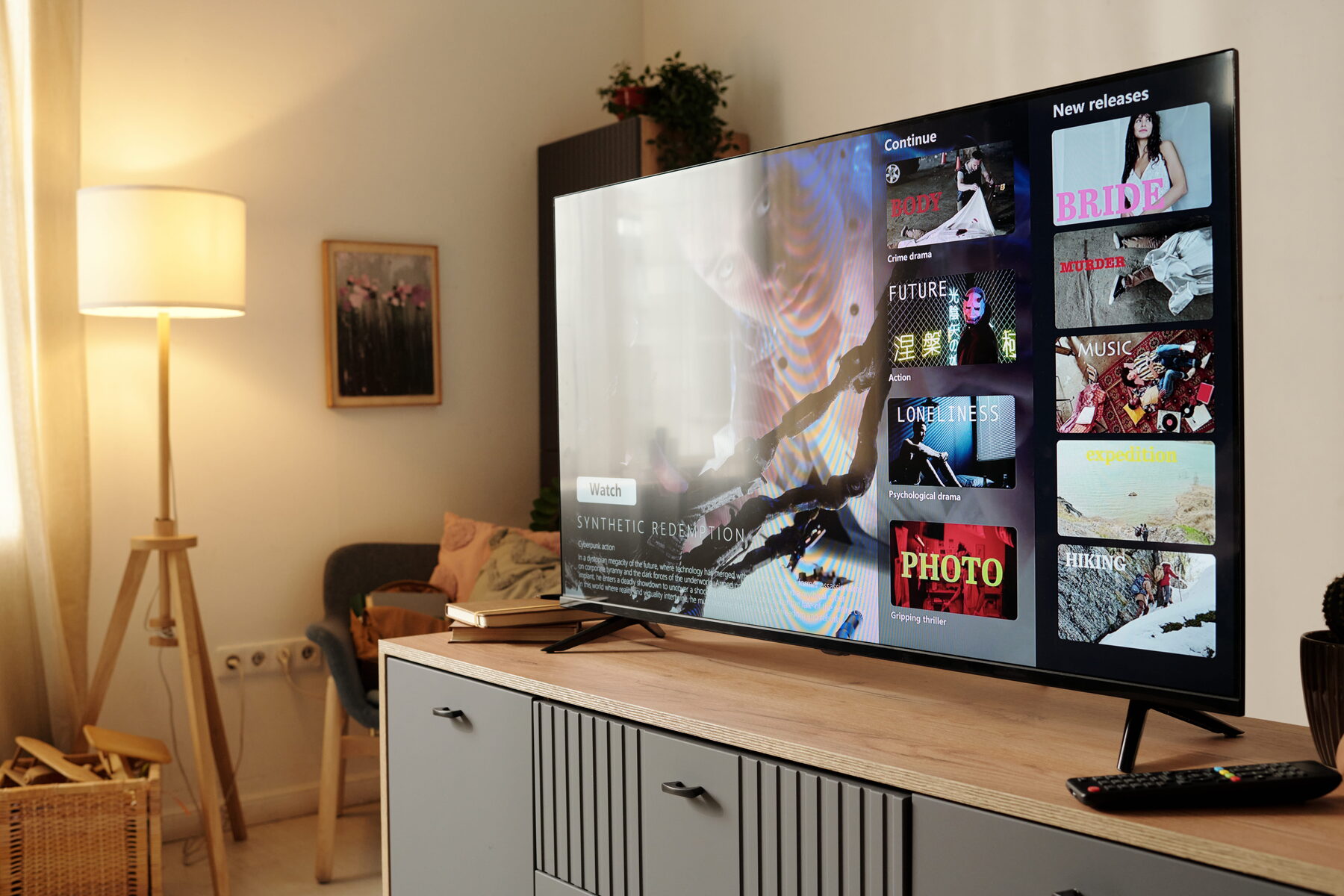
Android TV is a full operating system running on your television. It corrupts, it fills up, it fails to update, and it gets stuck in boot loops — and almost none of that requires a new mainboard.
Android TV — and its newer sibling Google TV — is a full operating system, closely related to the one on your phone. It has an app store, a storage partition, a cache, a system partition and a firmware image. And, exactly like a phone, it can fill up, corrupt, freeze and refuse to boot.
This is why so many Android TV faults are resolvable without touching a component. A television stuck in a boot loop usually has a corrupted system partition. A television that has become unbearably slow usually has a full storage partition and an overloaded cache. Apps that crash on launch usually need a cache clear and a reinstall.
The mistake people make — and that some repairers encourage — is treating these as hardware failures and quoting for a mainboard. We start from the assumption that an Android TV fault is a software fault until proven otherwise, because that is what it usually is and because it is what saves you money.
The detail
Nearly all of them start in software.
The Android system partition is corrupted. A firmware recovery reloads a clean image. It is the standard fix and it costs nothing in parts.
Same underlying cause. The system is failing partway through boot and restarting to try again. Recoverable.
Usually a Google account, cache or date-and-time problem. A television with the wrong system date cannot validate security certificates, and the Play Store simply refuses to work.
Corrupted app cache, or insufficient free storage. Android TV needs headroom to function, and many sets ship with very little of it.
Full storage partition. Android TV degrades badly when storage is nearly full. Clearing it transforms the experience.
Could be network, could be the Wi-Fi module. We test the network first, because it is usually the network.
What you get
Cheapest fix first, always.
01
The standard fix for boot loops. No parts, no parts cost.
02
The single biggest cause of a slow Android TV.
03
Date, time, certificates and account sign-in.
04
Netflix, YouTube, Showmax, DStv Stream and Prime.
05
Because the television is often not the problem.
06
Wi-Fi module, memory, mainboard.
Included
Software diagnosis before anything else.
Firmware version check and updateWhere the manufacturer still supports the model
Storage and cache assessmentFreed up properly, not just superficially
Google account and Play Store repairIncluding the date-and-time certificate trap
App platform testingEvery service you actually use
Network diagnosis at the TVSignal strength, band and router behaviour
Full setup and handoverSigned in, updated and working before we leave
Our process
01
Boot loop? Slow? Apps crashing? Play Store failing?
02
Firmware, cache, storage, account — all free of parts cost.
03
And we will show you why before we quote.
04
Apps signed in, storage clean, everything tested.
FAQ
The things people actually ask us on the phone, answered straight.
WhatsApp us the make, the screen size and a short video of what the TV is doing. We can usually narrow the fault down before a technician is even dispatched.
WhatsApp 068 348 0078Almost certainly not. That is a corrupted system partition, and a firmware recovery reloads a clean image. It is the standard fix, it usually works, and it costs nothing in parts. Do not let anyone sell you a mainboard before this has been attempted.
Nearly always a full storage partition. Android TV needs free space to function and degrades badly without it. Many televisions ship with very little internal storage to begin with, and a few large apps will fill it. Clearing it properly transforms the set.
Check the date and time first — it is a genuinely common cause. A television with the wrong system date cannot validate security certificates, and the Play Store refuses to connect. Beyond that, it is usually a cache or Google account issue, and both are fixable.
Google TV is the newer interface built on top of Android TV. Underneath, they are largely the same operating system, and the faults and recovery procedures are very similar. We work on both.
Sony, TCL, Philips and some Hisense models are the main ones. Skyworth also uses it on several ranges.
Not necessarily. The TV Play Store only offers apps built for the television interface. Sideloading phone apps is possible but frequently produces something unusable on a screen you control with a remote.
Book a TV technician
Before anyone quotes you for a mainboard, let us try a firmware recovery. It usually works, and it costs nothing in parts.
Android TV repairs · Sony, TCL, Philips, Hisense and Skyworth
Contact