01
Software and platform diagnosis first
Because most smart TV faults are not hardware faults.
Home/TV repair services/Smart TV repairs
Smart TV repairs
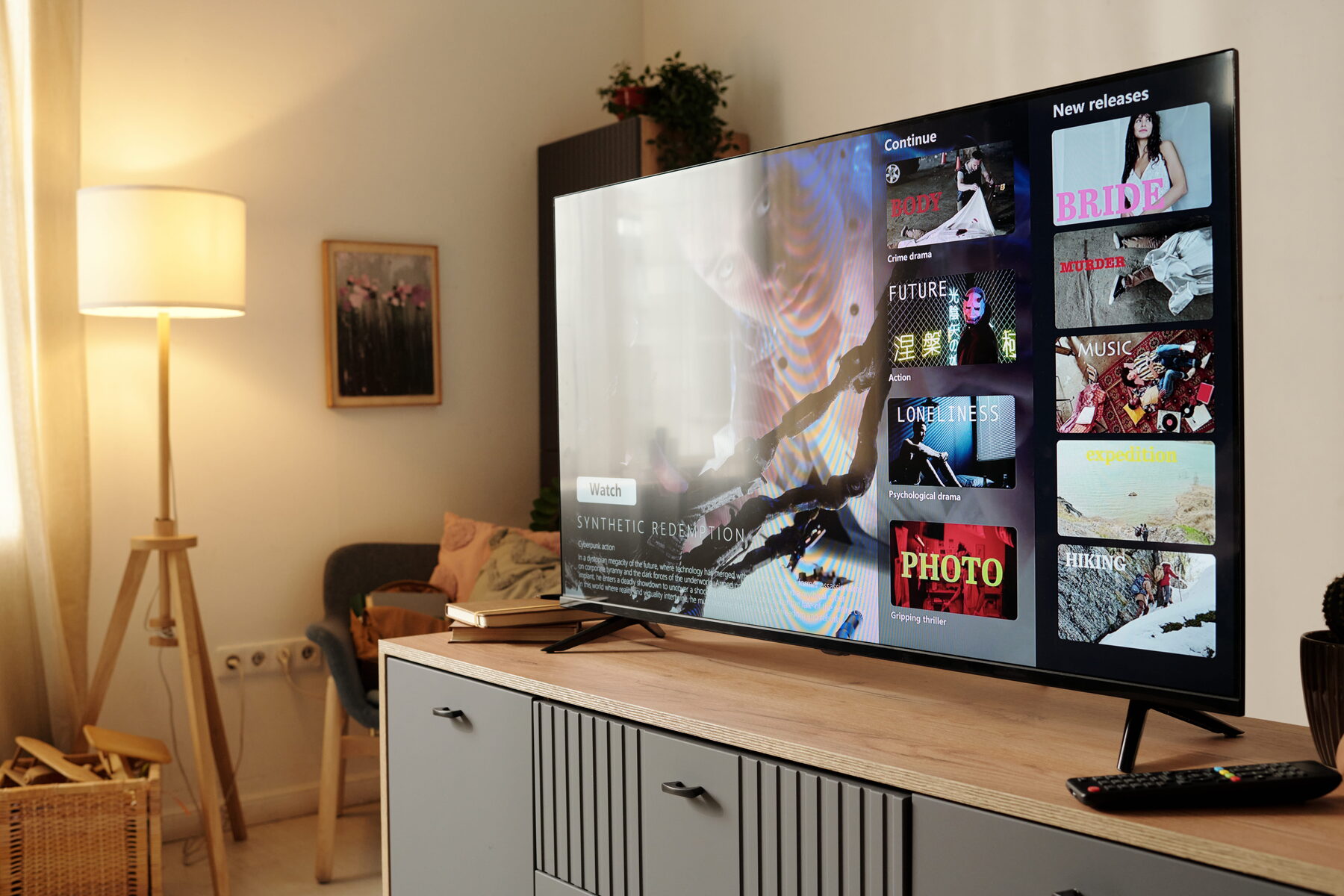
A smart TV is a computer with a screen attached. That means half of what goes wrong with it is software, and software faults should never cost you hardware money. We establish which you have before we quote.
Strip away the marketing and a smart TV is a small computer — a processor, memory, storage, a network interface and an operating system — bolted to a display panel. Samsung calls its operating system Tizen. LG calls it webOS. Hisense uses VIDAA. TCL and Sony largely use Android or Google TV. Vizio uses SmartCast.
This matters because a computer fails in ways a television does not. Firmware corrupts. Storage fills up. Apps lose support. Security certificates expire. Memory chips degrade. None of those are picture-tube problems, and none of them should be diagnosed the way you would diagnose a dead panel.
So we split smart TV faults into two piles. Software and platform faults, which are frequently resolved with firmware recovery, a cache clear, a network fix or a reconfiguration — costing you time and skill but no parts. And genuine hardware faults, where the Wi-Fi module, the memory or the mainboard has failed. We prove which pile you are in first.
The detail
Roughly in order of how often the phone rings about them.
This is a DNS or security-certificate problem, not a connectivity problem. Older smart TVs lose the ability to negotiate modern encryption standards, and apps stop loading even though the network is fine. Sometimes a firmware update restores it.
App providers withdraw support from older platforms. If that has happened, no repair will bring the app back — but a streaming stick will, for a fraction of the price of a new television. We will tell you honestly which situation you are in.
Corrupted firmware. Alarming, and usually recoverable. A firmware reload is the first thing we attempt because it costs nothing in parts.
Usually a full cache, insufficient free memory or an out-of-date firmware image. Frequently resolved without touching a single component.
If it cannot see any networks, a failed Wi-Fi module or antenna becomes likely. If it sees other networks but not yours, the router is the more probable culprit.
Ageing hardware struggling with newer software, a full storage partition, or a degrading memory chip. We can often improve it considerably; occasionally the honest answer is that the platform has simply aged out.
What you get
In ascending order of cost to you.
01
Because most smart TV faults are not hardware faults.
02
The single most effective smart TV repair there is.
03
The cause of most ‘connected but nothing works’ faults.
04
When the hardware genuinely has failed.
05
Component-level work on the smart platform hardware.
06
Sometimes a streaming stick is the right answer. We will say so.
Included
Thorough, and in the right order.
Platform and firmware version checkBrought current where the manufacturer still supports it
Network diagnosis at the televisionSignal strength, band and router behaviour
App platform testingNetflix, YouTube, Showmax, Prime and DStv Stream
Storage and memory assessmentFull storage cripples a smart TV
Hardware testing where neededWi-Fi module, memory, mainboard
Full setup and handoverSigned in, updated and working before we leave
Our process
01
Boot loop? Apps failing? Wi-Fi dropping? Slow? Each points somewhere different.
02
Because that is the order that saves you money.
03
Firmware, cache, DNS, network, re-pairing.
04
With a fixed price agreed before we start.
FAQ
The things people actually ask us on the phone, answered straight.
WhatsApp us the make, the screen size and a short video of what the TV is doing. We can usually narrow the fault down before a technician is even dispatched.
WhatsApp 068 348 0078Usually it is very much worth it. If the panel and the picture are good, the smart platform is the least important part of the television — and the cheapest to work around. A repair, or in some cases a R700 streaming stick, will give you a fully modern platform for a small fraction of the price of a new set.
Sometimes. If the firmware has fallen behind, updating it may restore them. If the app provider has withdrawn support for your television’s platform entirely — which does happen on older sets — then no repair will bring it back, and we will tell you that rather than charging you to find out.
Android TV and Google TV are specific smart platforms made by Google, used by TCL, Sony, Philips and others. Samsung, LG, Hisense and Vizio each run their own platform instead. The faults are similar; the recovery procedures differ, and we work on all of them.
Frequently, yes. A full storage partition, an overloaded cache and out-of-date firmware will all cripple a smart TV, and all three can be resolved. Where the hardware is genuinely too old for the current software, we will be straight with you about that.
In most cases, yes. That is corrupted firmware, and a firmware recovery is the standard fix. It costs you nothing in parts. Only where the flash memory itself has failed does it become a hardware repair.
No. We do not repair cracked or broken screens, and we do not buy broken televisions. A replacement panel costs more than a new set of the same size. Every other smart TV fault, though, is exactly what we do.
Book a TV technician
Tell us what it is doing. There is a good chance we can fix it without replacing a single component.
Smart TV repairs on Tizen, webOS, VIDAA, Android, Roku and SmartCast
Contact